
Capture
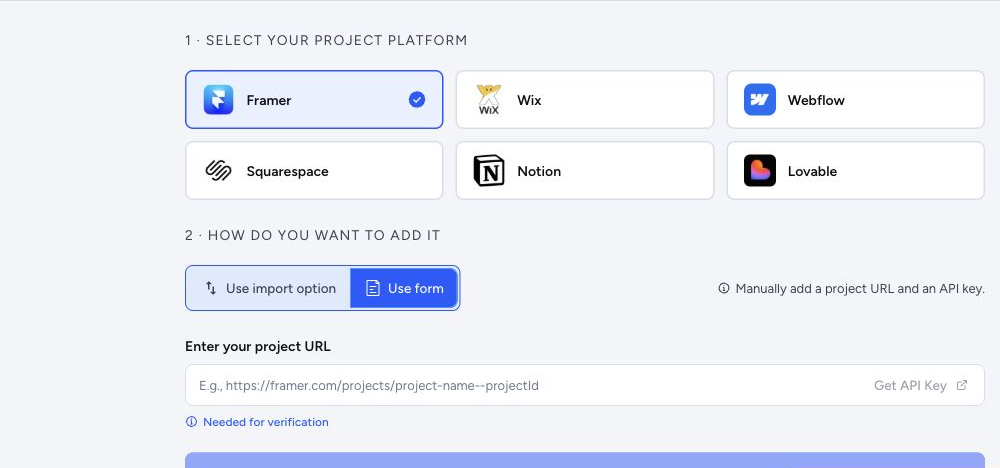
Capture
Web app and extension workflow
Add a site from the web app, or capture it straight from Chrome while you're looking at it. Either way, it lands in the same export queue.
Features
ToStatic connects the web app, Chrome extension, export queue, previews, backups, deploys, custom domains, and SEO and performance checks into one website continuity workflow. Agencies can white-label the reports they send to clients.
Capture
Add a site from the web app, or capture it straight from Chrome while you're looking at it. Either way, it lands in the same export queue.
Engine
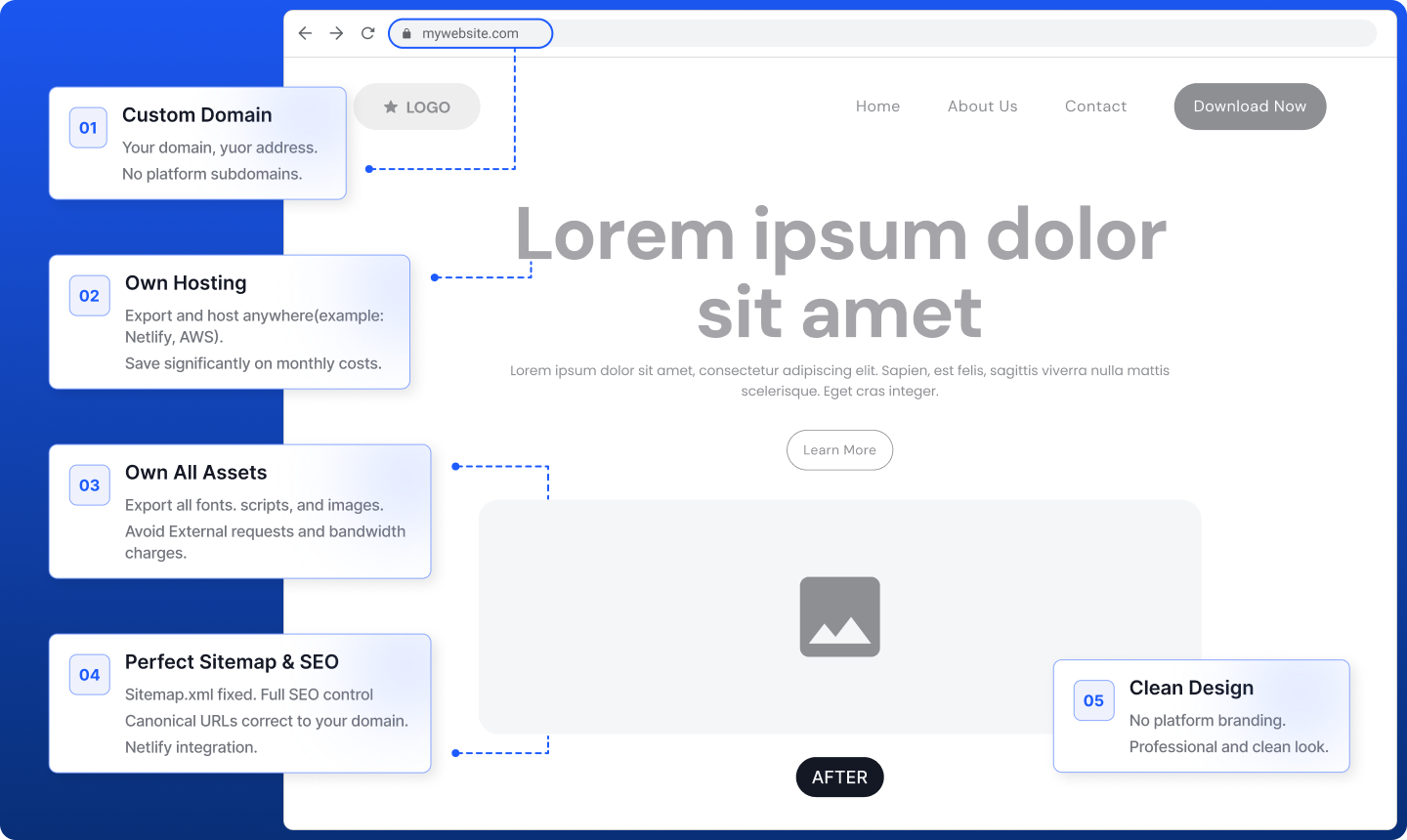
The export engine discovers every URL, pulls assets, rewrites references, and produces clean static files that are ready to preview immediately.
Dashboard
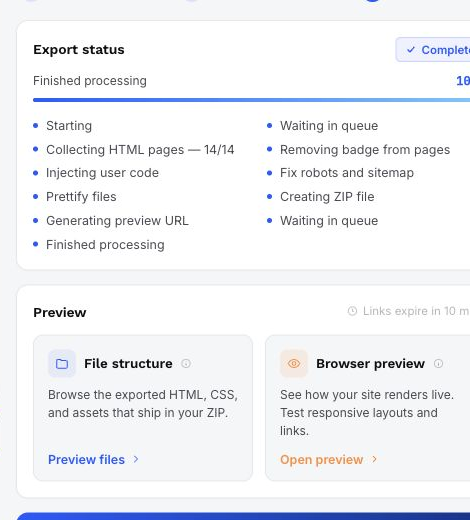
Waiting, queued, active, completed, failed, cancelled — every export's real state is visible from the web app, with history you can go back to.
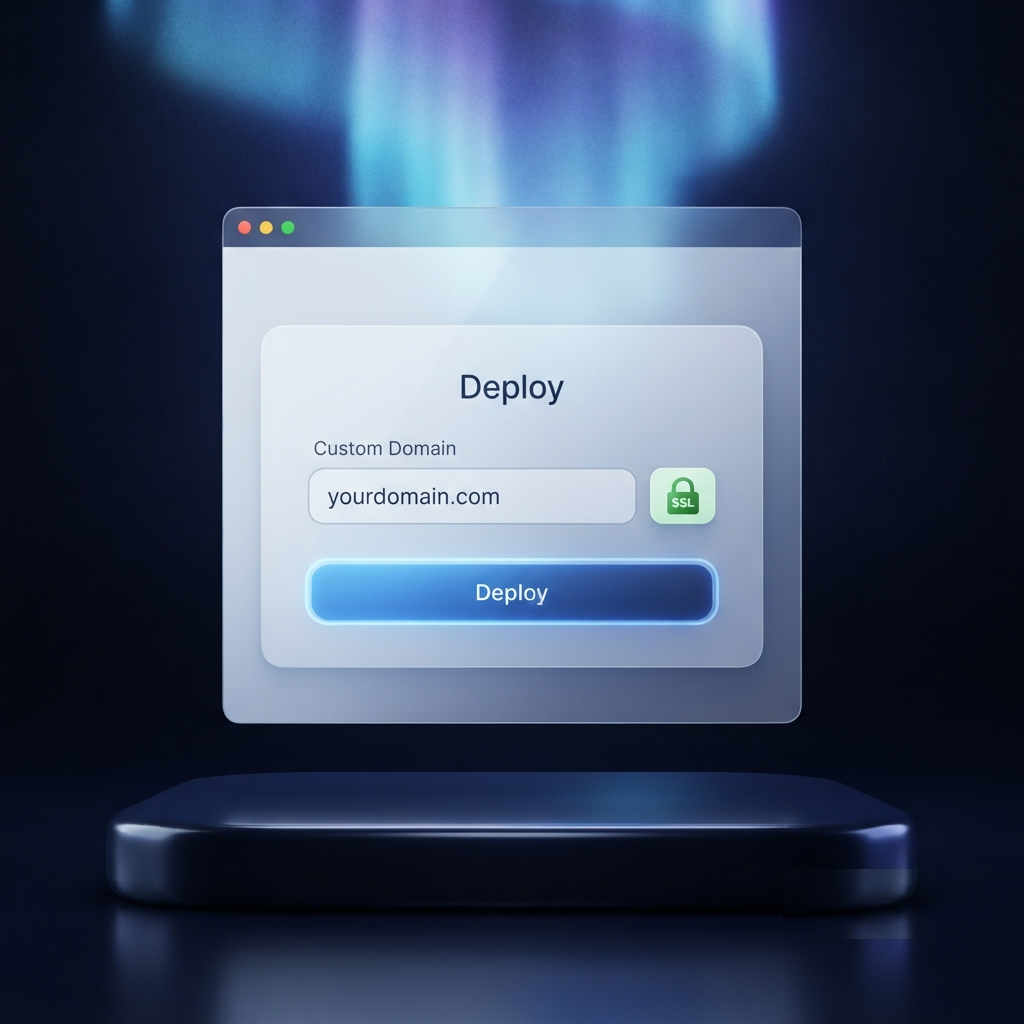
Deploy
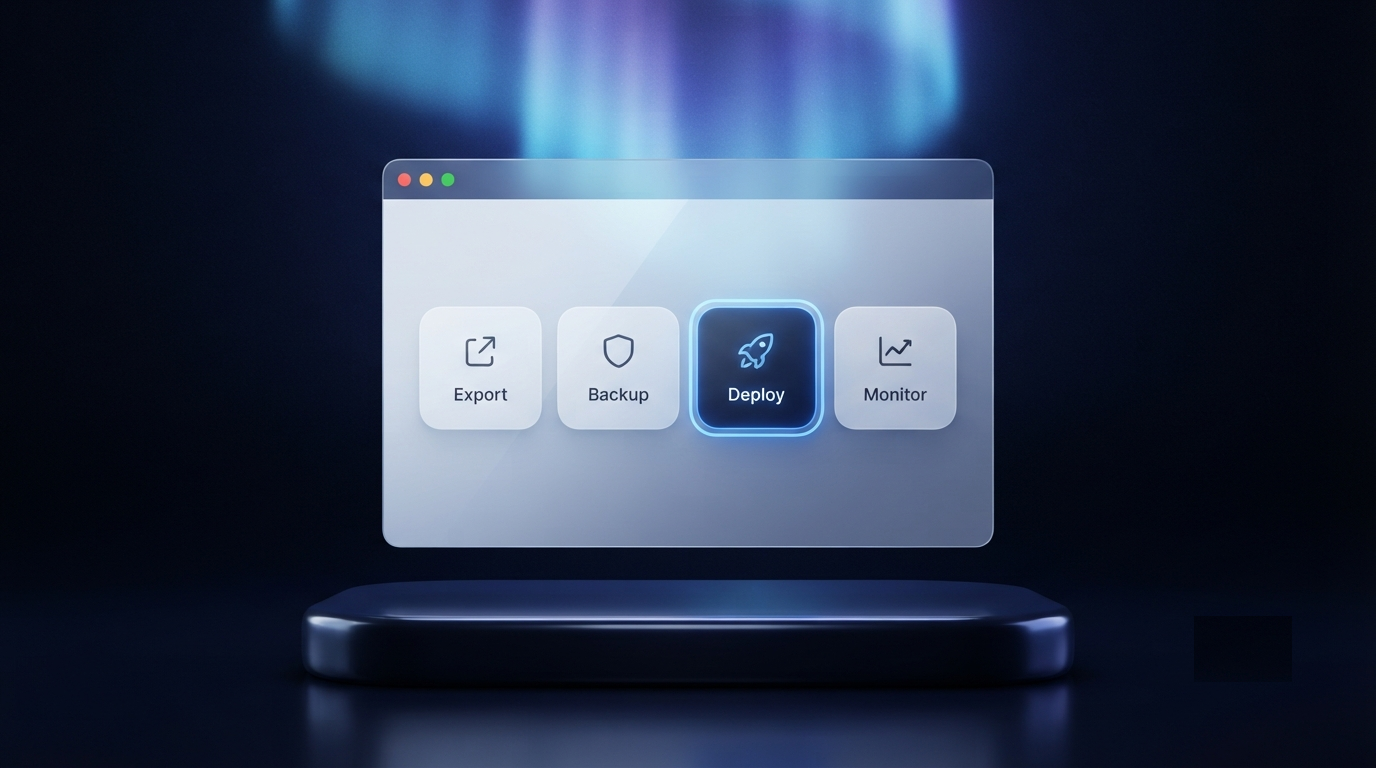
Preview in the browser, browse the files, download a ZIP, or deploy to static hosting with a custom domain and SSL already handled.
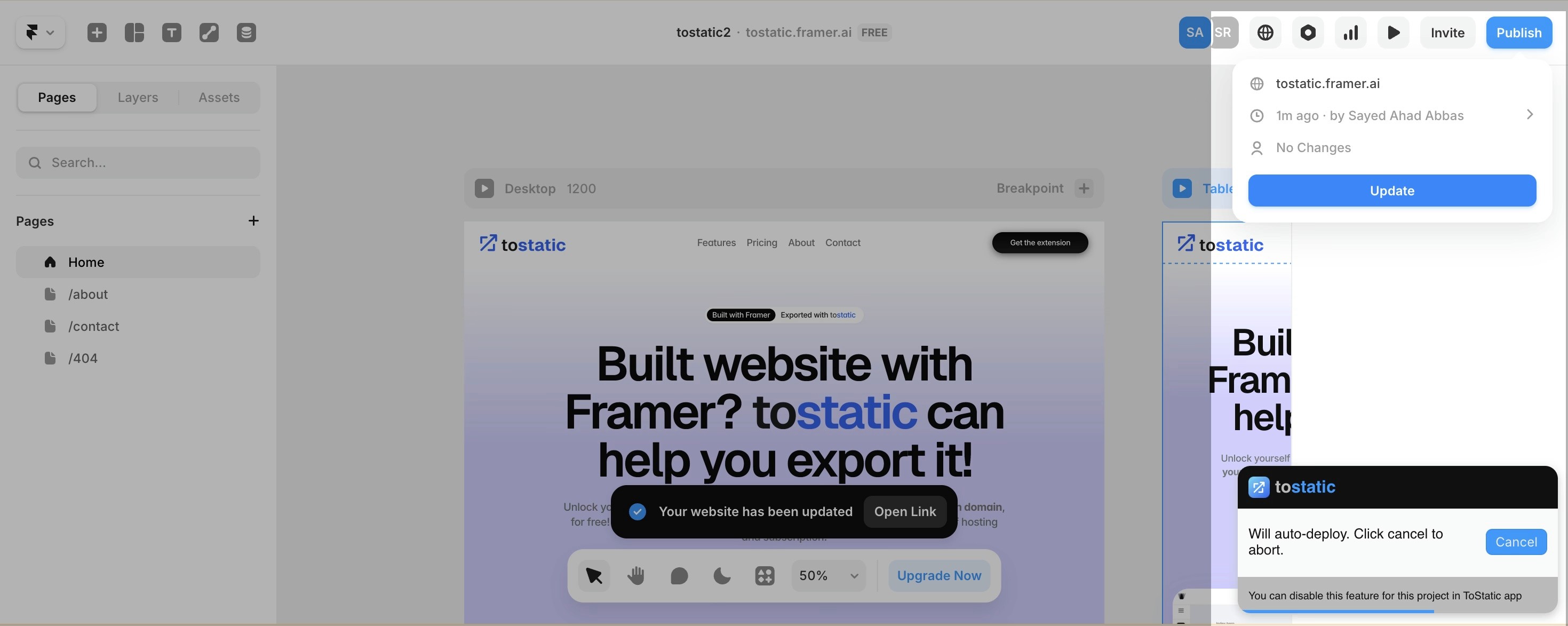
Continuity
Every approved version gets a restorable copy, kept independent of whatever happens inside the original builder account.
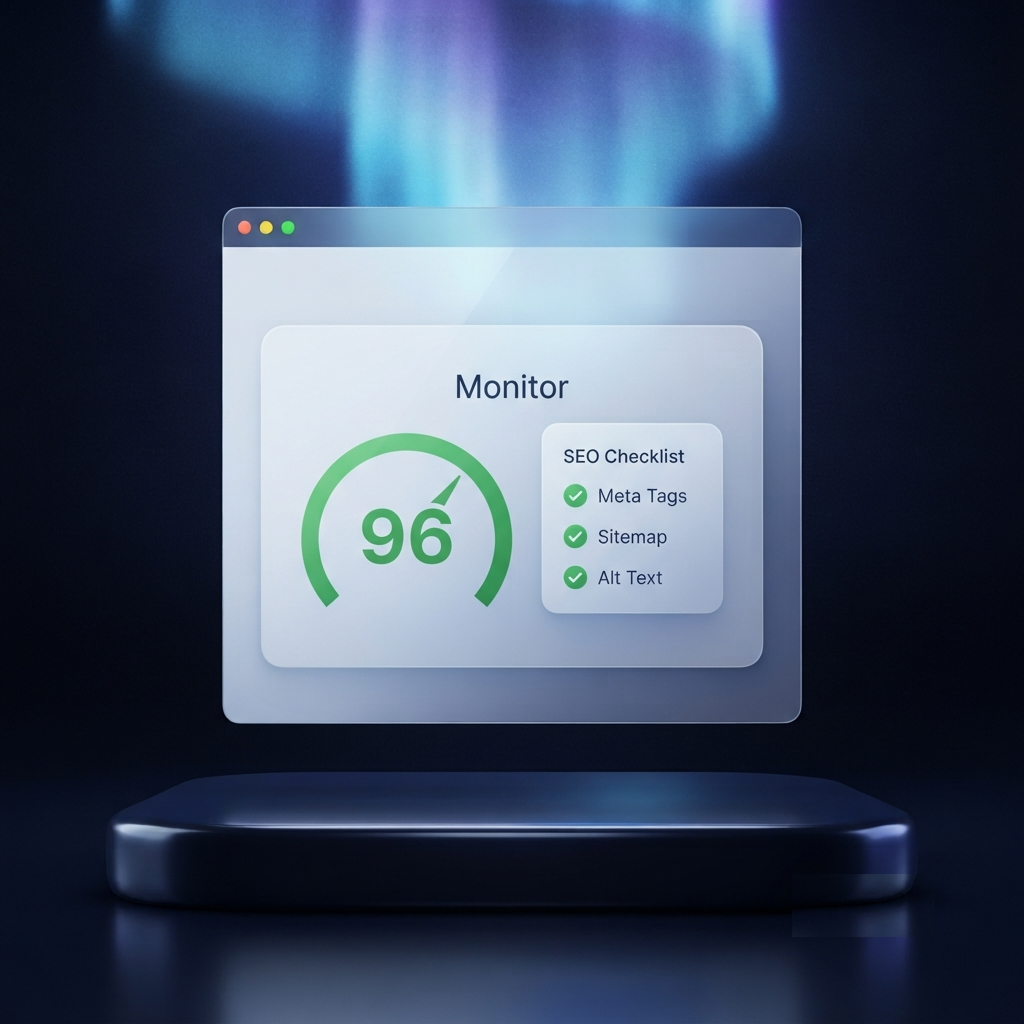
Monitor
Audit the live site and its exports for SEO readiness, run ranked Core Web Vitals scans, and get AI-assisted fix suggestions for what's holding pages back. Every plan includes monthly credits for audits and checks, so usage scales with your plan.
SEO, performance & AI
Review metadata, links, structured data, indexability, and page-level issues before or after an export.
Run ranked PageSpeed and Core Web Vitals checks so the next performance pass starts with evidence.
Use configured AI providers for explanations and fix suggestions, then review each change before applying it.
Your existing stack
Connect storage, search evidence, billing, and configured AI providers without turning the feature page into a vendor list.
Keep a copy of exported website files in the cloud account you already use.
Store website backups in Box.com when your team works there.
Connect an approved property to bring search visibility data into the review.
Checkout and subscription billing stay with the payment provider.
Use OpenAI as a configured provider for explanations and practical fix suggestions.
Use Gemini when it is configured for your workspace's AI-assisted workflow.
Third-party names belong to their respective owners. Availability depends on the connected account, plan, and site setup.
Start from the browser, where builder and published-site context already exists.
Waiting, queued, active, completed, failed, and cancelled states map to real backend workflow.
Static HTML, CSS, JavaScript, and assets can be previewed, downloaded, archived, or hosted.
Under the hood
Every feature above runs through the same three surfaces: the capture point, the live status view, and the portable output.
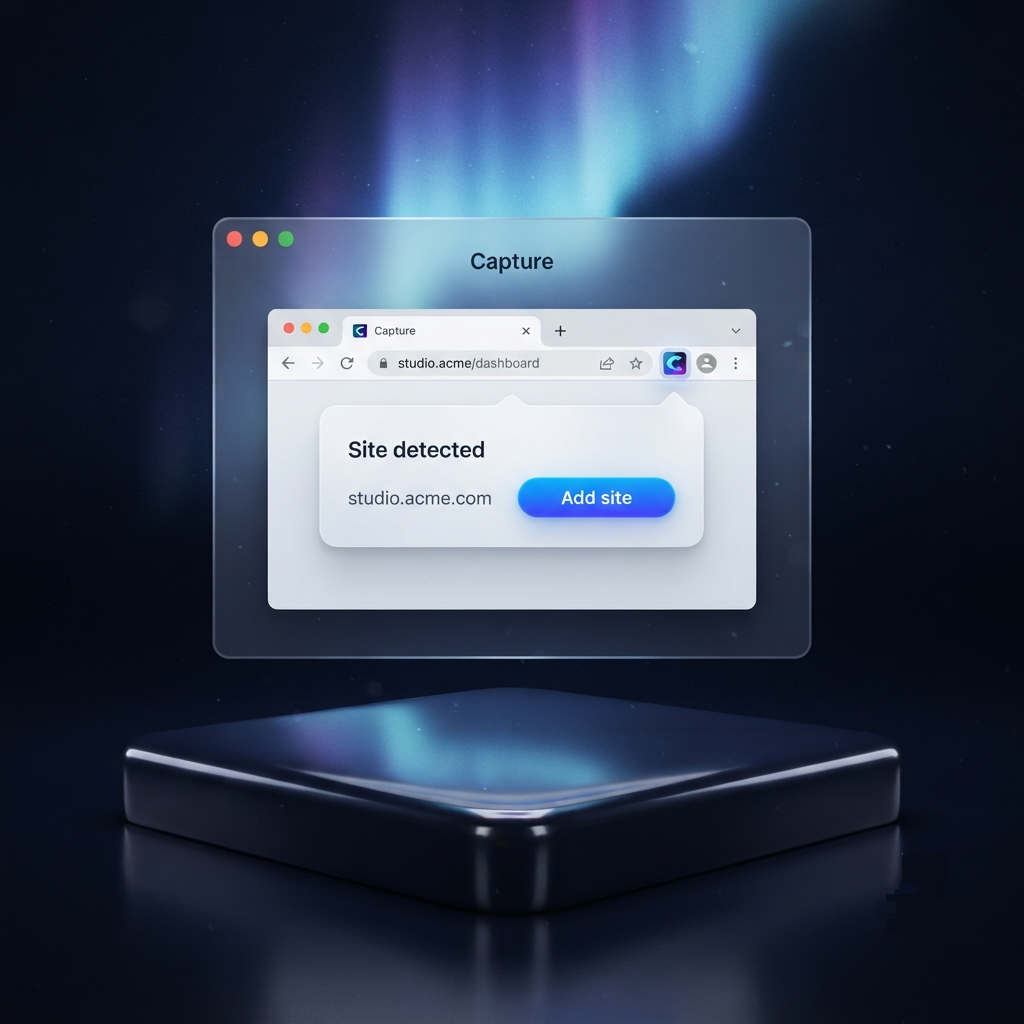
Chrome extension
The extension detects supported builder pages and keeps export actions beside the live site.
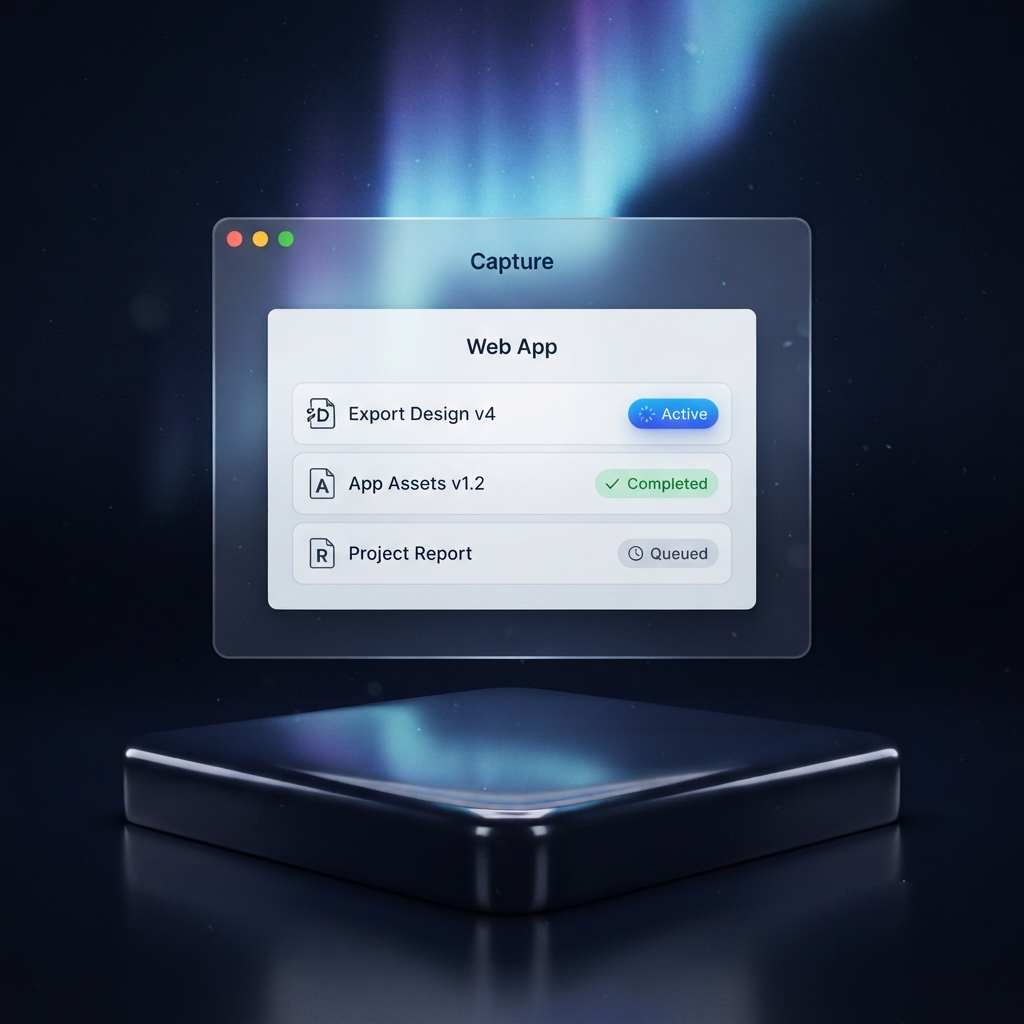
Web app
Each site gets export status, preview links, file access, and history in one place.
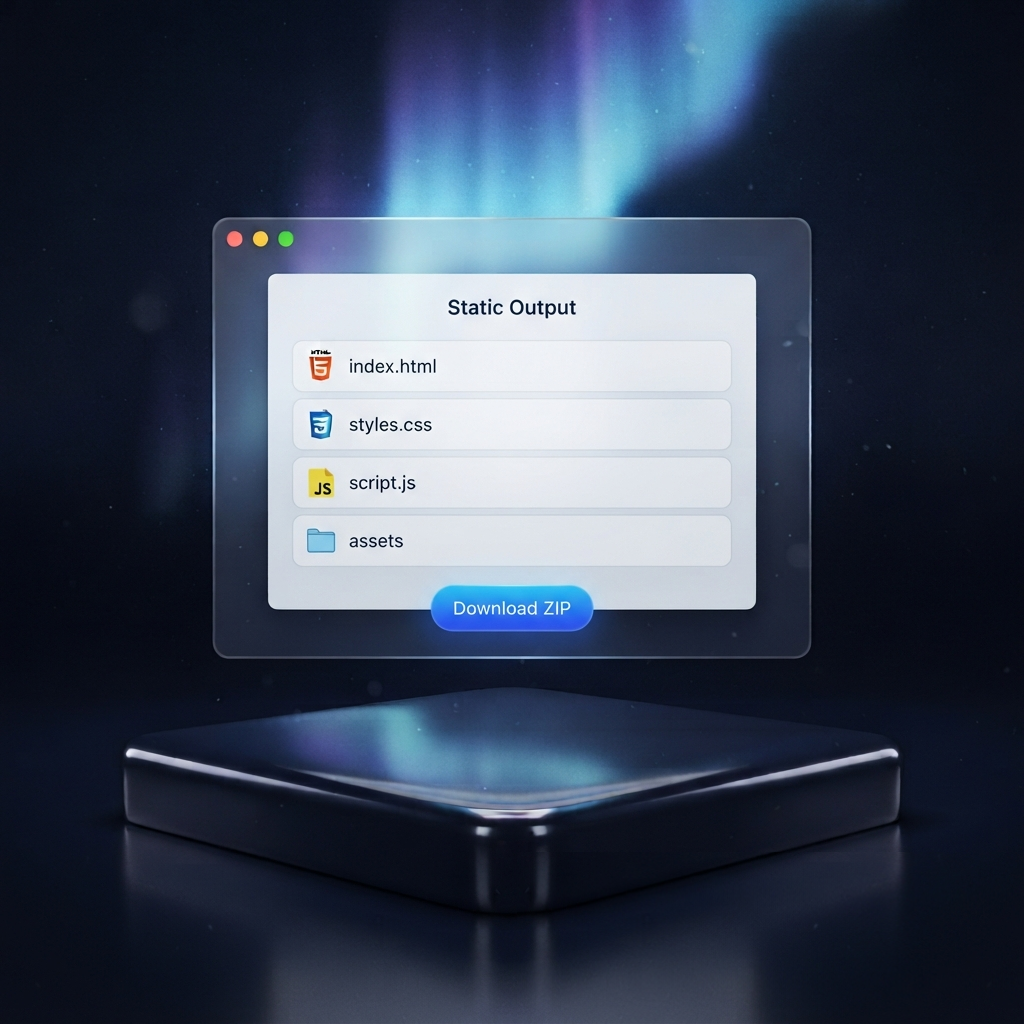
Static output
Exported HTML, CSS, JavaScript, and assets are portable enough to archive, inspect, or host.
Who it's for